Cancelling your registration will remove your access to the event. If you proceed, you will no longer be able to participate or access event-related materials.
Deleting your account will remove your access to the event.
Resume Review Signup Opens for National Members ✉ Need Help?
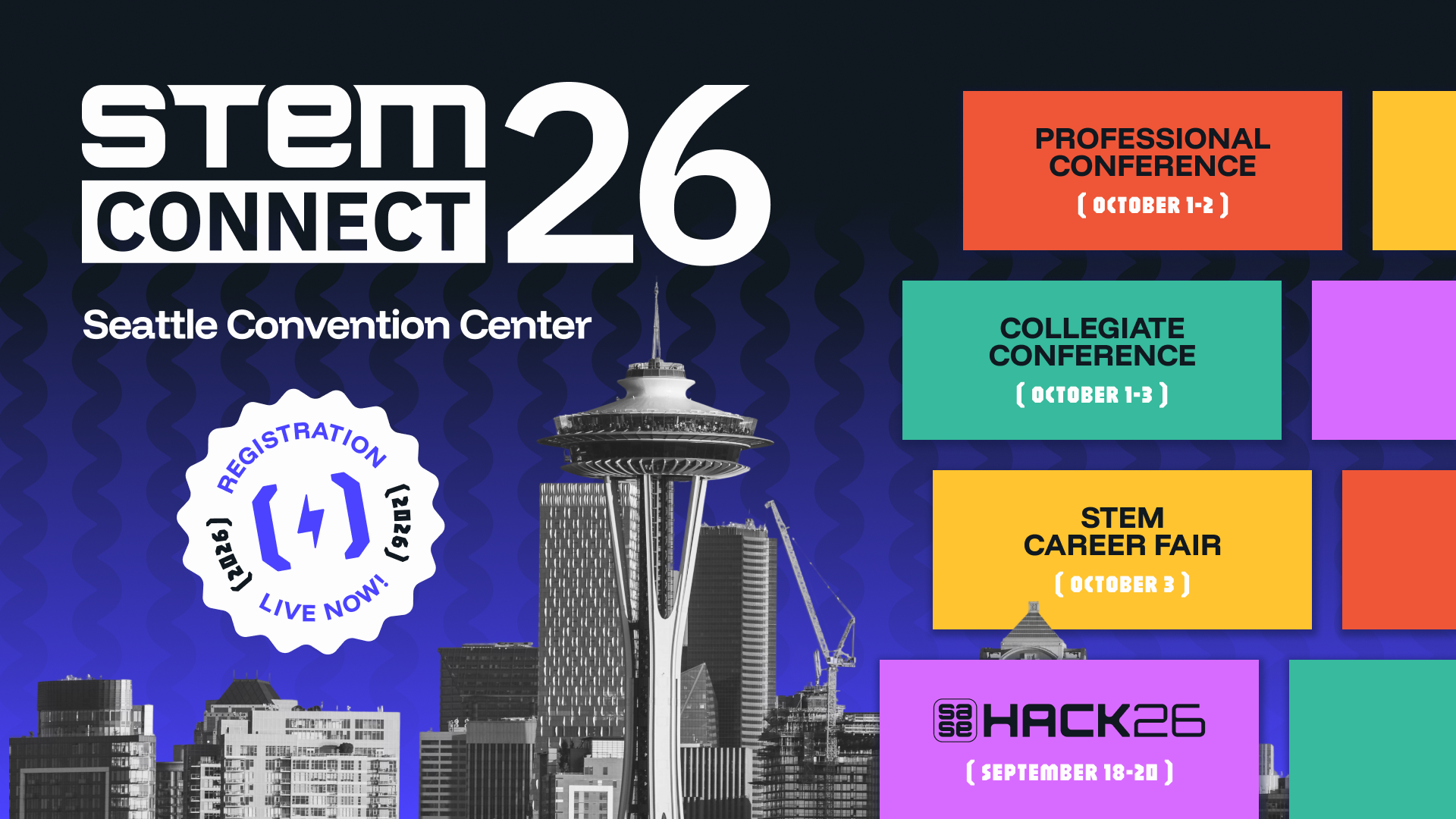
STEM Connect is the premier professional and leadership development conference, designed to equip top STEM talent from universities and enterprises with the skills, networks, and insights needed to thrive in today’s workforce.
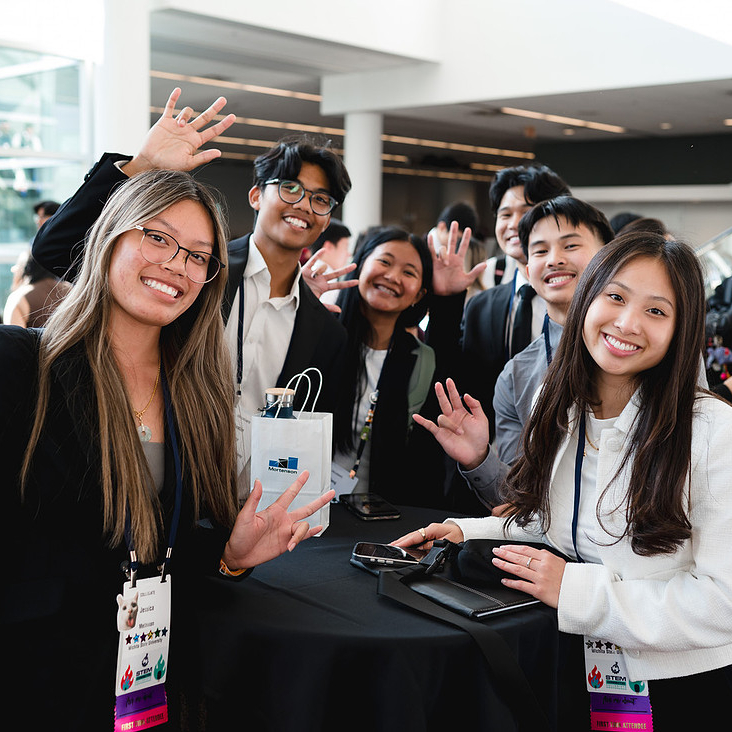
Workshops, panels, and networking events are designed specifically with Collegiate attendees in mind, offering tailored opportunities to connect with peers and top employers.
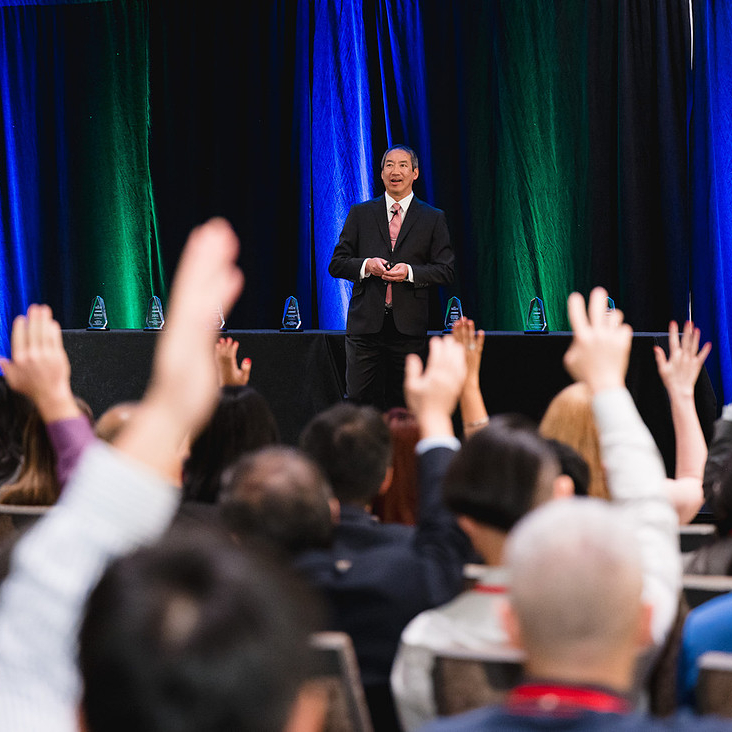
Professional attendees enjoy a dynamic experience featuring in-depth leadership training sessions, topic-based workshops, and senior executive panels.

Each year, STEM Connect hosts a STEM career fair in the U.S. With a network of more than 15,000 students and professionals, STEM Connect provides unique access to technical talent across the U.S.
Shell
Carrier
GE Vernova
Honeywell Aerospace
Honeywell Technologies
Lehigh
Mines
GE Aerospace
Chevron
Carrier

Fluids System Engineer, Blue Origin
READ BIOBlue Origin
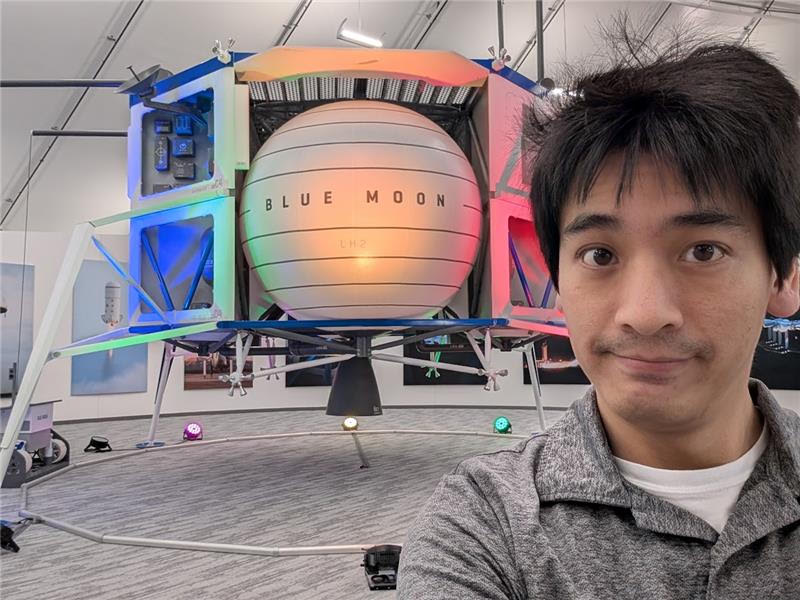
Joanne (she/her) is a Fluids System Engineer for New Glenn’s second stage (GS2), where she works on designing and analyzing parts for pneumatic gas transport on the vehicle. Before New Glenn, she worked on New Shepard’s Propulsion Module in a similar role.
She graduated from UCLA with a B.S and M.S in Aerospace Engineering with a minor in Asian American Studies. During college, she was heavily involved in student organizations targeting underrepresented Southeast Asian students in higher education. As Co-Chair of New Onizuka, she continues to bring her passion for serving her community by aiming to provide a sense of belonging and unity for those who have been historically underrepresented in Aerospace.
Avionics Hardware Responsible Engineer , Blue Origin
READ BIOBlue Origin
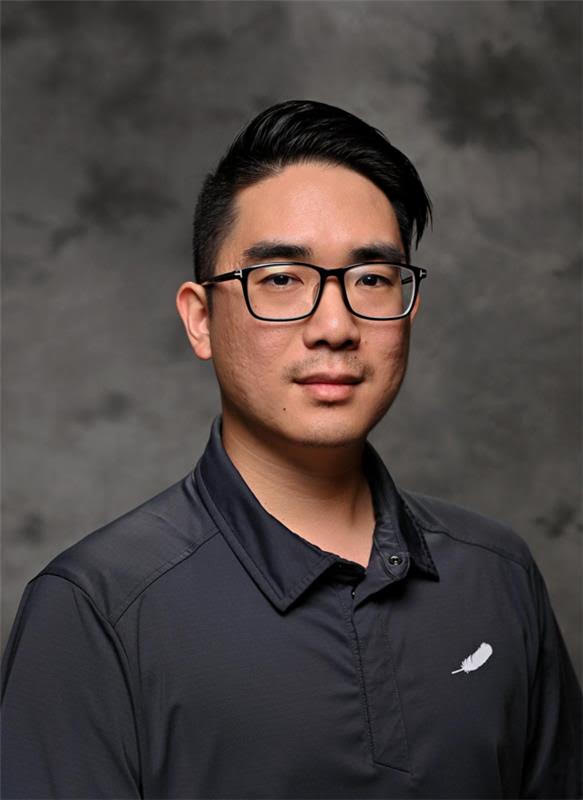
Michael (he/him) is an Avionics Hardware Responsible Engineer for harnessing on vehicles, which covers the system block diagrams, wire diagrams, 3D routing, installations, non-conformances, troubleshooting, and root cause corrective action from cradle to grave for anything harnessing-related. He has been in the aerospace industry for 18 years.
He is an active member of all 11 Business Resource Groups at Blue Origin, including a former Chair in two. He is a top ambassador for Club for the Future, Blue Origin's nonprofit aimed at inspiring the next generation through K-12 STEAM outreach.
Manufacturing Engineer Lead, Blue Origin
READ BIOBlue Origin
Max (he/him) is a manufacturing engineer lead responsible for the build plan and execution of the middle section of the Mark 1 Lunar Lander Vehicle. Responsibilities include providing clear work instructions for technicians to build the lander, provide resources to other manufacturing engineers & technicians to help with execution of the build, and make engineering decisions to do what's right for the build.
Graduated with a B.S. in Mechanical Engineering and a M.S. in Engineering Management from the University of Central Florida
FL-Site Lead for Business Resource Group: New Onizuka
7 years at Lockheed Martin before joining Blue Origin.
Engine Systems Analysis, Blue Origin
READ BIOBlue Origin
Alex Du (he/him) is an Engine Systems Analysis propulsion engineer on BE-7, where he owns, designs, develops, and maintains the physics-based model of the lunar lander engine. Before this he was a test engineer in Blue Origin's New Graduate Rotation program.
He is currently the Communications Chair and Social Committee member for Business Resource Group: New Onizuka.
He graduated in 2024 with a B.S. in Aerospace Engineering from Penn State (We Are!)
Across his four years at Penn State he spent three of them researching at the High Pressure Combustion Lab, plus internships and co-ops around the space industry. He also led cultural organizations including the APIDA Caucus and PDPSI, and engineering organizations including SEDS/Lunar Lion.
Program Manager on New Glenn, Blue Origin
READ BIOBlue Origin
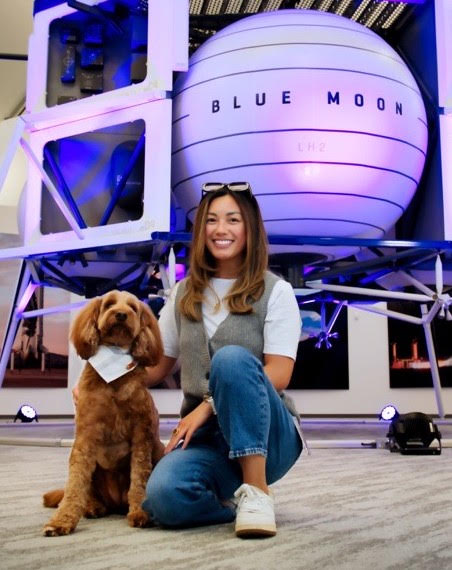
Taylor Verzosa (she/her) is a Program Manager on New Glenn. She has supported all stages of New Glenn, owning the integrated master schedule to ensure all teams are on time to install their parts onto the rocket.
She has been an active member of Business Resource Groups (BRG) between her 3 years at Boeing and 5 years at Blue Origin, where she currently sits as the chair for the Asian American Pacific Islander BRG, New Onizuka. After graduating from the University of Washington in 2018 with the intention of becoming a social worker, the BRGs offer a meaningful way to still make an impact within her community.
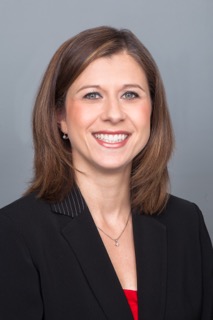
Vice President, Global Talent, Honeywell Aerospace
READ BIOHoneywell Aerospace
Diana Danforth is Vice President of Global Talent for Honeywell Aerospace, where she leads Talent Acquisition, Talent Management, Talent Development, and Talent Engagement. During her 22-year career with Honeywell, she has held leadership roles across multiple HR disciplines and business organizations. Diana is passionate about developing future leaders and helping individuals navigate career growth through mentorship, sponsorship, continuous learning, and purposeful career planning.
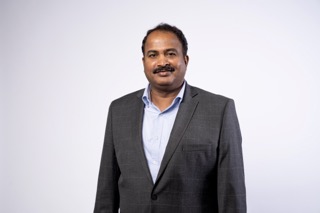
Senior Director of Customer Experience, Honeywell Technologies
READ BIOHoneywell Technologies
Lakshman Rao is the Senior Director of Customer Experience at Honeywell, where he champions a culture of customer obsession by partnering across R&D, Commercial, Supply Chain, and Operations to advocate for customers and drive business outcomes.
With more than 25 years at Honeywell, Lakshman began his career as an intern in 1999 and has built a distinguished track record spanning engineering, product development, global testing, customer experience, and business transformation leadership. He spent over two decades in Aerospace Engineering, leading global teams in the development, certification, and testing of advanced Communication, Navigation, Surveillance, Electrical Power, and Electronic Controller products. Prior to transitioning to Industrial Automation, he led Honeywell's global test certification program for Airbus electronic controllers.
Lakshman is passionate about driving business transformation through a strong focus on talent, skills, and culture, helping teams adapt, innovate, and deliver sustainable results in a rapidly evolving environment.
Today, Lakshman focuses on strengthening customer relationships, accelerating issue resolution, and fostering cross-functional collaboration to enhance the end-to-end customer experience. His commitment to innovation, operational excellence, and customer advocacy has established him as a trusted leader across Honeywell's businesses.
Lakshman holds a Master's degree in Embedded and Control Systems from Manipal University and an MCA from Madras University. He is also a certified Six Sigma Green Belt.
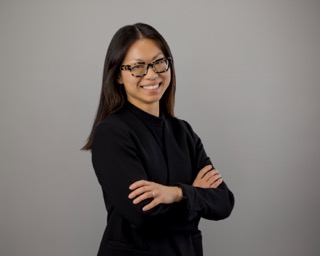
Sr Product Operations Specialist, Honeywell Technologies
READ BIOHoneywell Technologies
Amy De Graaf believes great products are built through collaboration, curiosity, and a willingness to turn ideas into action. As a Sr Product Operations Specialist for Honeywell Process Technologies, she helps teams navigate the new product introduction process, align across functions, and bring innovative solutions from concept to launch. Throughout her career in product management and operations, Amy has led commercialization efforts, product launches, and strategic initiatives that connect customer needs with business outcomes.
A passionate advocate for community building, mentorship, and inclusion, Amy actively supports employee resource group initiatives through her role as Co-Chair of Honeywell Technologies Asian Employee Network (HASEN). She is dedicated to creating opportunities for employees to build meaningful relationships, expand their networks, and engage in professional and personal growth.
Amy holds a Bachelor's degree with a focus in International Business and Marketing from UNC Charlotte and has also studied abroad at Fudan University in Shanghai, China. She is known for her collaborative approach and ability to turn ideas into action. Outside of work, Amy enjoys crafting, reading, and exploring new places.
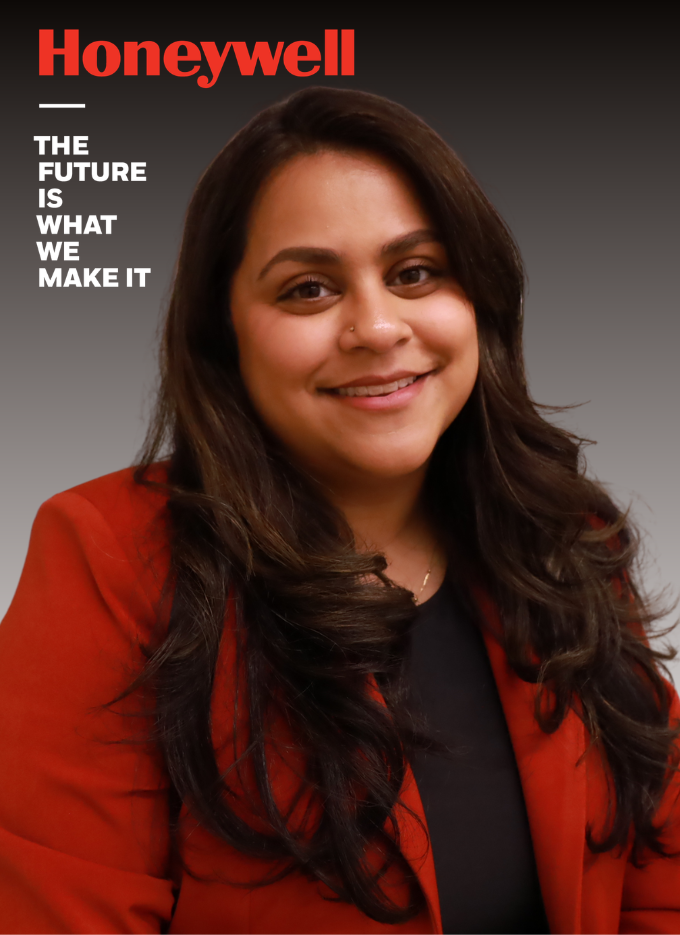
Senior HR Manager, Honeywell Technologies
READ BIOHoneywell Technologies
Amanda Martins is a Senior HR Manager supporting the Building Automation Americas business at Honeywell Technologies, where she partners with senior leaders to drive talent strategy, organizational effectiveness, leadership development, and workforce transformation initiatives across the region. She has more than four years of experience with Honeywell, having previously supported Honeywell Process Automation organizations across Sales, Commercial, R&D, Field Services and Project Engineering throughout North and Latin America.
Throughout her career, Amanda has led large-scale organizational initiatives, talent reviews, succession planning efforts, acquisition integrations, and employee development programs. She is particularly passionate about helping organizations connect people strategy to business outcomes while creating meaningful career growth opportunities for employees. Her work has included developing leadership and career programs, supporting organizational transformation, and partnering with executives to build high-performing teams.
Amanda holds a Master's degree from Texas A&M University, Mays Business School and is known for her people-first approach to leadership, talent development, and organizational change. Outside of work, she is active in community service and has spent years volunteering in education and community development initiatives.
GE Vernova
GE Vernova
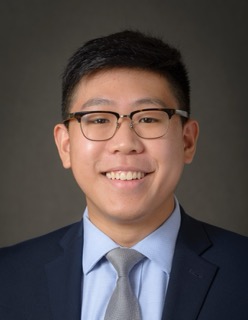
Customer Fulfilment Manager, GE Vernova
READ BIOGE Vernova
Eric Zhao is a mechanical engineering graduate from the University at Buffalo and an alumnus of GE Vernova’s Commercial Leadership Program. Currently serving as an Aero Services Customer Fulfillment Manager, Eric oversees outage planning, project execution, and customer relations for the Americas West region. With a background in sales operations and product management, he is dedicated to streamlining processes and driving commercial excellence while actively supporting talent development through his leadership with GE Vernova’s Asia Pacific Allies and Friends Employee Resource Group.
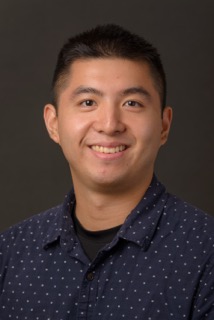
Senior Technical Product Manager, GE Vernova
READ BIOGE Vernova
A Computer Engineering graduate from RIT, Timmy is a Senior Technical Product Manager who brings a rigorous, analytical approach to industrial systems. Originally focused on the mechanics of code and infrastructure, he now prioritizes the strategic "why" behind innovation. Timmy leads global, cross-functional teams to implement AI and data-driven analytics, fostering radical transparency and ownership. He delivers scalable solutions that bridge engineering complexity with business strategy, ensuring technology drives global manufacturing productivity and customer confidence.
Carrier
Honeywell Aerospace

Specialist – University Conferences, Chevron
READ BIOChevron
Leslie oversees Chevron's partnerships with professional and collegiate conferences, including SASE. Previously, she led Chevron's Intercultural Development Program, helping leaders work effectively across cultures. She is passionate about preparing early-career professionals to leverage diverse perspectives, build strong relationships, and succeed in the global workplace.

Principal Solution Architect, Chevron
READ BIOChevron
Liang Sun is a Principal Solution Architect in Digital Core with 25 years of IT experience. Throughout his career, he has held diverse roles including Web Developer, System Administrator, Business Relationship Manager, and Solution Architect. He combines deep technical expertise with strong business acumen to design and deliver scalable, enterprise-wide solutions that drive digital transformation and business value.
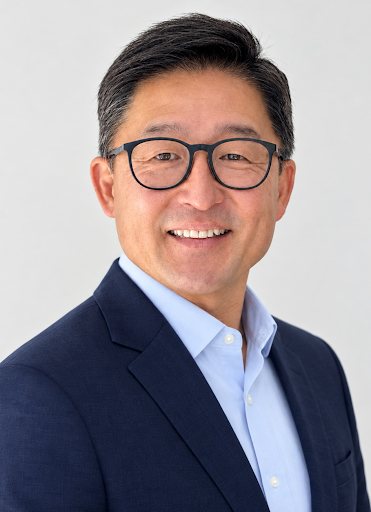
Head of Data, Analytics and AI, Ford Motor Company
READ BIOFord Motor Company
Dan Chon is an analytics executive currently serving as Head of Data, Analytics and AI for Integrated Services at Ford Motor Company, where he manages data, analytics, and builds AI-powered tools to drive actionable insights. He brings nearly three decades of experience leading data science, marketing analytics, and applied AI teams across major consumer brands.
Prior to Ford, Dan was Head of Applied AI and Analytics for Trust and Safety at Google, where he spearheaded the applied AI strategy for Google Play. He also held VP and executive director roles at AT&T, DIRECTV, Hearts & Science, Loot Crate, and Discover Financial Services, where he built data science and marketing analytics organizations from the ground up, developed landmark models informing multi-billion-dollar budgets, and scaled analytics teams significantly.
Dan holds an MBA and a BA in Economics, both from the University of Chicago, and specializes in machine learning, predictive modeling, and AI-driven strategy.
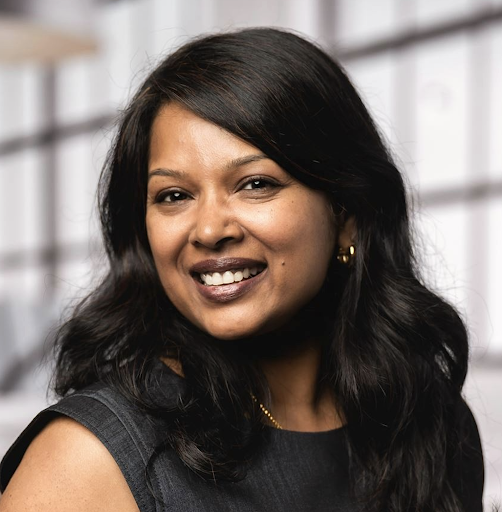
Director, Global Data, Insight & Analytics, Ford Motor Company
READ BIOFord Motor Company
Kalpana Nagalingam is a Director within Ford's Global Data, Insight & Analytics organization, where she leads the Integrated Services Analytics team. With more than 19 years of experience across Customer Experience, IT, and Analytics, she specializes in turning data and AI into real business impact — building analytics platforms, customer intelligence solutions, and decisioning tools that have become essential to how Ford runs its business.
Today, Kalpana leads a team of data scientists, analysts, and BI professionals driving analytics, data, and AI strategy for Ford's Integrated Services organization — delivering the insights and AI-powered tools that help leaders make smarter, faster decisions.
Interestingly, Kalpana's path into data and AI didn't start there — she actually holds a Master's degree in Architecture and is originally from Chennai, India. That unconventional journey shapes how she approaches problem-solving today: with equal parts structure and creativity. Outside of work, she loves traveling, painting, spending time with family, and keeping up with her six-year-old Labrador.
READ BIO
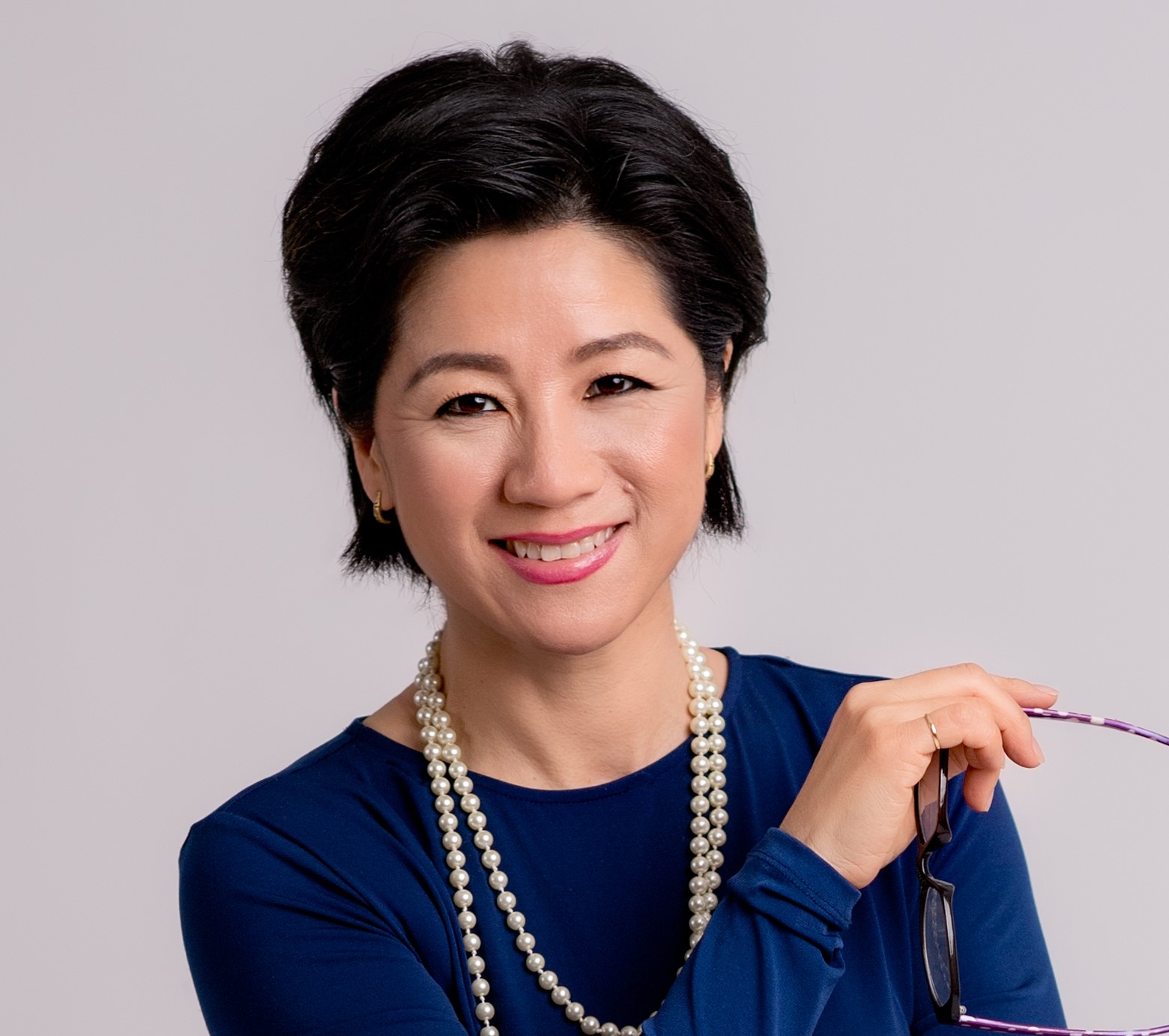
Rebecca Okamoto is a communication and personal brand consultant, and the founder of Evoke Strategy Group.
She is on a mission to change the way diverse voices are seen, heard, recognized and rewarded. Rebecca’s focus is helping professionals communicate, influence, and lead at higher levels. She specializes in coaching high-potential managers how to present complex, game-changing, and technical concepts to senior stakeholders.
Rebecca a former P&G executive and first Asian American woman to reach the top 1% of the Supply Chain Function. She’s also P&G’s first Asian woman to run supply chains in Japan, Korea and China. Today she works with corporations to visibly advance more underrepresented talent to the executive levels.
Rebecca is a popular blogger and speaker, and consults on career and communication success. Her clients include Bristol Meyer Squibb, Procter & Gamble, Medtronic, GE Aerospace and Asian Corporate & Entrepreneur Leaders (ACEL)
READ BIO
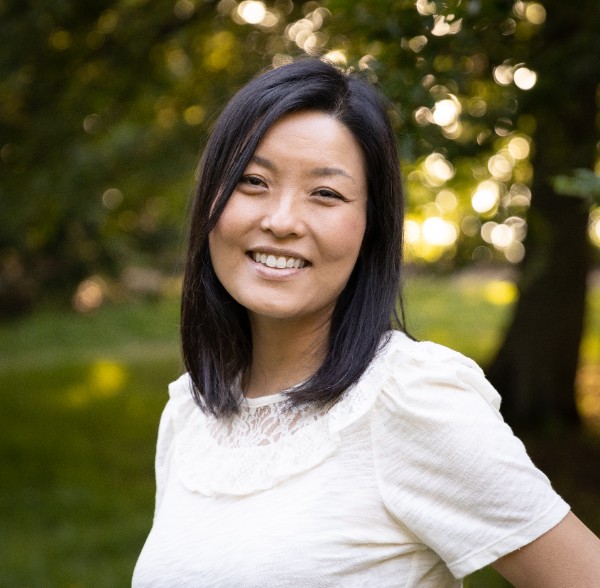
I partner with high-capacity leaders to cut through the noise, reclaim focus, and elevate their performance – without burnout or compromise. My clients include executives at Google, Northrop Grumman, Collins RTX, US Bank, the NFL, Daimler Truck, and Sompo Intl. – high achievers who demand clarity, systems, and results.
Over the past 16 years, I’ve coached and advised across industries and disciplines, helping clients consistently achieve outcomes beyond what they thought was possible. My coaching approach is grounded in the belief that we must know ourselves to lead ourselves, and that transformational leadership is often personal before it becomes professional.
I earned my early stripes on Wall Street, where high-stakes execution was non-negotiable. Later, I transitioned into higher education and career counseling, helping clients navigate major inflection points, transitions and the gap between achievement and meaning, which gave me a deep understanding of the psychology behind sustainable growth, not just successful results.
And in building a high-performance piano studio, I developed a system of taking students from zero to elite performers under deadline and onstage. My core system included a repeatable framework for deliberate practice, resilience, and results under pressure. I invested in long-term, high-trust partnerships that helped my clients push past resistance, master complexity, and perform well – until their performance became an extension of who they simply were.
That same trust-based structure now fuels my coaching work with executives navigating professional environments. I help them align their identity and performance, and develop into being the kind of leaders others want to follow. The Five Voices framework blends strategic challenge with deeply personalized support, unlocking clarity, confidence, and real behavioral change in how we communicate and lead others.
Christine Lee has a B.A. in International Relations from Wellesley College and M.Ed. in Counseling from UCLA. She is a certified coach with GiANT Worldwide.
_1788201644779.jpg)
READ BIO
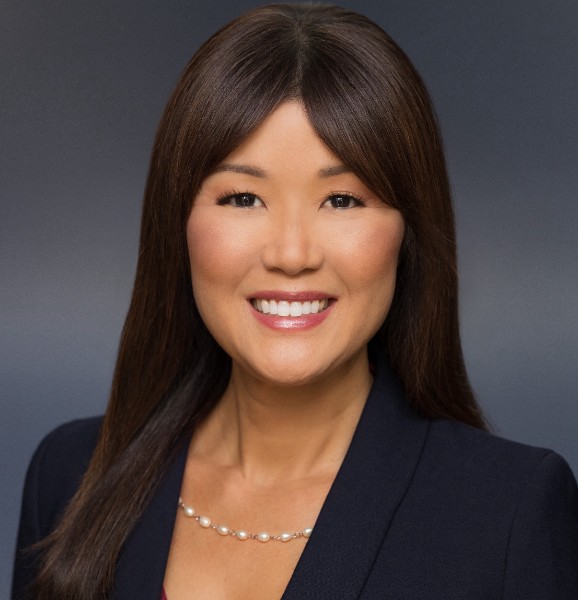
Leonna Choi Luc is an impact-driven consultant and coach with a deep commitment to advancing equity, opportunity, and human potential. She collaborates with leaders and organizations to build strategic infrastructure, programs, and systems that create inclusive environments and drive effective talent and workforce development.
With a strong foundation in people and program operations, Leonna has guided clients across sectors in building sustainable frameworks and actionable strategies that align with their mission and values. Her work spans the full lifecycle of organizational growth—from developing equitable talent pipelines and leadership development initiatives to refining internal processes that operationalize long-term vision and impact.
Leonna brings a relational and systems-focused approach to every engagement, helping leaders and teams unlock potential, navigate change, and scale inclusive practices.
Leonna holds a degree in Sociology from the University of California, Los Angeles (UCLA), and is an ICF-Credentialed Certified Coach.
READ BIO
Yon Na, PhD, is an organizational consultant and coach who helps leaders & teams create inclusive cultures and accelerate performance by applying organizational psychology principles.
Throughout her career, Yon has led Organizational Effectiveness and Leadership Development efforts in Fortune 100 and high-growth companies, including Warner Bros., The New York Times, Microsoft, Johnson & Johnson, and Nordstrom. She partners with her clients by leveraging research and assessments to design customized solutions.
Yon’s research area centers on the intersection of identity, culture, and leadership. She shares her peer-reviewed research on Asian women in leadership at conferences, companies, and colleges. Yon is also the co-founder of Radiance Leadership LLC, an organization dedicated to advancing Asian women in the workplace. She developed the Radiance Leadership Development Program, which combines her research, organizational psychology, and her experience leading in Fortune 100 companies.
Yon holds a doctorate in Organizational Psychology from the California School of Professional Psychology at Alliant International University. She received her Master’s in Applied Psychology and a BA in Business Administration from Golden Gate University. Yon is an ICF-Credentialed and Board Certified Executive Coach.
READ BIO
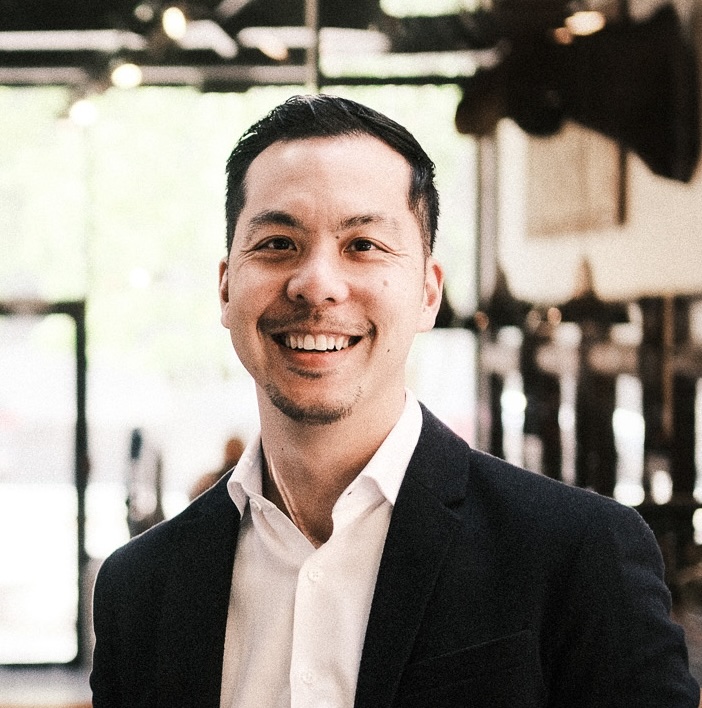
Leo Cheung is a Leadership Coach and Group Facilitator who's passionate about helping early-career professionals deepen their self-awareness, elevate workplace communication, and cultivate the trust and reliability that defines effective leadership.
His approach blends proven leadership frameworks, real-world storytelling, and purposeful reflection to create transformative learning experiences with lasting impact.
Whether he's facilitating a team through a pivotal moment or coaching an individual contributor in finding their authentic voice, Leo brings a rare combination of strategic insight and genuine human connection to every engagement.
_1788201716623.jpeg)
READ BIO
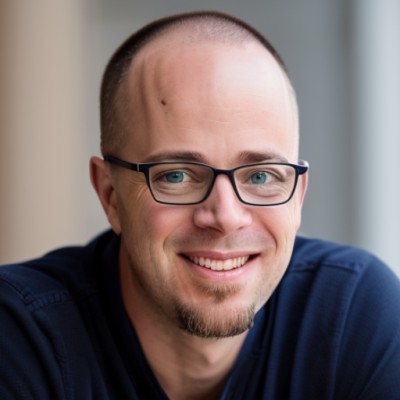
Aaron’s passion is to build thriving cultures in organizations. He has consulted and spoken with leaders in small businesses and Fortune 100 companies, across construction, healthcare, and higher education.
Aaron currently serves as CEO of Leaders Rising Network, an agency dedicated to elevating culture performance for their clients. He teaches leadership at the Bon Secours Memorial College of Nursing and hosts the Leaders Rising podcast.
Aaron is an ACC-certified coach, the author of The New Generation Leader and a graduate of the University of Richmond and holds a Master of Divinity.
Aaron lives in Richmond, Virginia, with his wife and 2 daughters.
READ BIO
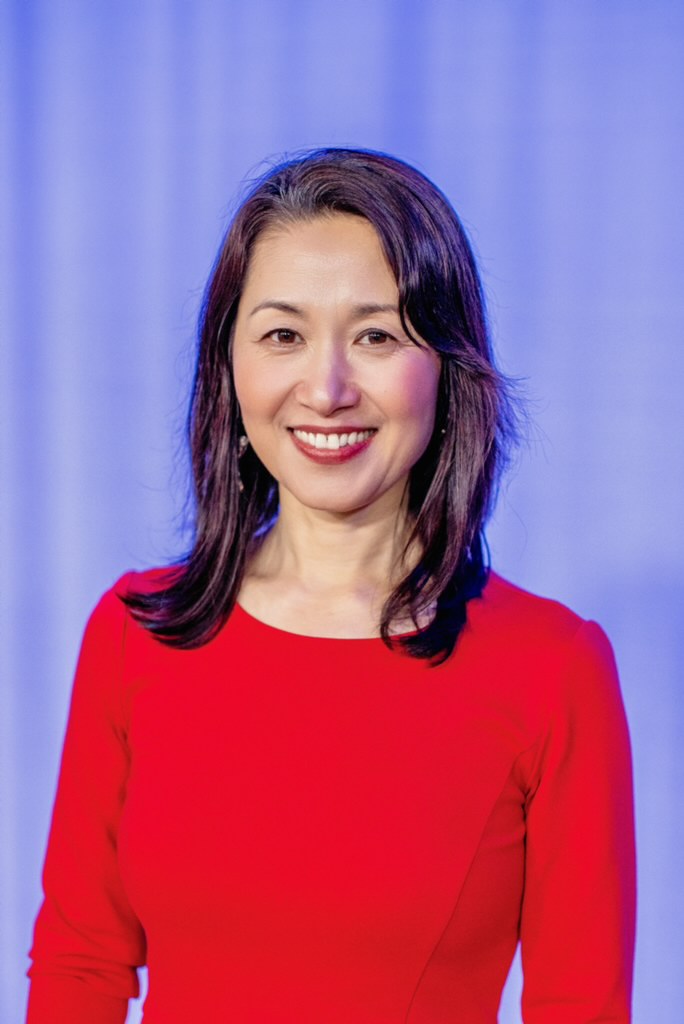
Hope Yin is an award-winning Tech Executive turned speaker, coach and advocate for Women in Tech. She is a seasoned ICF certified executive coach with a purpose for empowering women in STEM. As the Founder & Owner of Blueprint Coaching, she has coached hundreds of women leaders to elevate their power, expand their potential, and amplify their legacy.
With a proven track record in enterprise technology modernization and transformation, Hope has held senior executive roles at two Fortune 200 companies. At U.S. Bank, her work in tech transformation and modernization contributed to multiple industry awards for the company, such as Foresters, Brandon Hall and LinkedIn Top 50 Companies. At JPMorgan Chase, she led multi-million-dollar technology portfolios as the Global Head of Talent Development Technology. Her expertise in technical leadership and strategic career planning has enabled her to break through barriers and advance to executive positions.
Committed to inclusive thought leadership in STEM, Hope is a dedicated advocate for women in technology. She has spoken to tens of thousands of individuals at tech conferences and industry events, sharing her insights on overcoming challenges, building a strong tech leader brand, and achieving career success.
Beyond her professional accomplishments, Hope is a passionate community leader and volunteer. She serves various non-profit organizations as a board member.
READ BIO
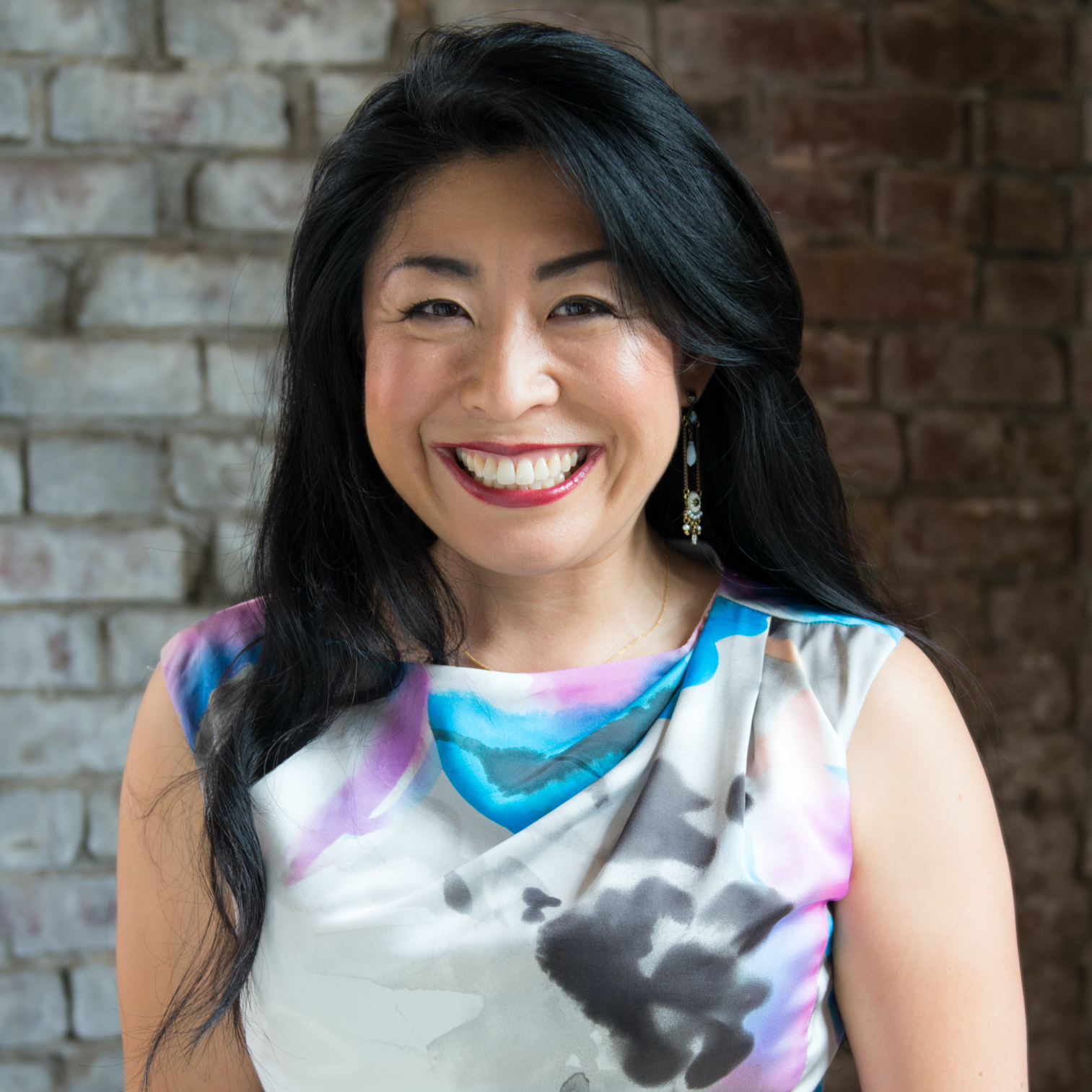
Nozomi Morgan is the CEO of the intercultural leadership development firm Michiki Morgan Worldwide and hosts the Boundaryless Leadership Podcast, offering multinational organizations solutions to be more innovative through co-creation, collaboration, and unleashing collective wisdom.
She leads a team of experts in developing global leaders through her Boundaryless Leadership program. Her team helps organizations develop a Co-created Culture, which she believes is the foundation for individuals and organizations to fulfill their purpose in this world. Born in Japan, her diverse international background — having lived and worked in Asia, Europe, and North America and worked with people from over 30 countries — gives her a wealth of experience and knowledge as a strategic partner to global organizations in leading a diverse workforce.
Chosen as one of “LinkedIn’s 50 Great People to Follow” and the “25 Most Influential Asian Americans in Georgia,” Nozomi is a speaker at corporate and international conferences and a frequent podcast guest. Specializing in intercultural leadership and business in Japan and Asia, her expertise has been featured in ABC, CBS, NBC, BloombergBusiness, Forbes, HuffPost, Japan Times, Japan Today, and Atlanta Business Chronicle. She holds an MBA from Yale School of Management.
READ BIO
Lawrence Huey is an entrepreneur, a thought leader, innovator, and transformative leader. Lawrence has spent the last 16 years in non-profit, 10 of them as an Executive Director. Starting an organization from scratch, he’s hired and developed a staff team, and empowered them to become amazing leaders. Today they run the entire organization.
Today he is an Executive Coach and Leadership Consultant. His personal mission statement is “ to create better leaders who will create a better world.”
Lawrence has worked with companies such as Google, Northrop Grumman, U.S. Bank, and S.A.S.E. He also runs leadership cohorts such as the RiseUp Cohort, a leadership training cohort for high performers and for managers and directors who’ve never received management training.
STEM Connect 2026 Partners

Breaking Your Ceiling: Unlocking Meta Performance for Executive Impact (Part 1 of 2)
Time: 9:45 AM - 12:15 PM
Speaker/Trainer: Lawrence Huey, Amy Tucker
Target Audience / Career Band: Executive
Session Format: Interactive workshop with strategic reflection, peer dialogue, and practical planning
SASE Leadership Competency Focus: Strategic Planning (LO.1.1), Self-awareness (LY.1.5), and Accountability (LP.3.5)
Session Overview
Note: This is the first part for certification. Participants who attend the full session series and submit the completed worksheet will receive a certificate of participation recognizing awareness of the Executive competencies covered.
At the executive level, the next breakthrough rarely comes from working harder. It comes from seeing the system more clearly, evolving the leadership patterns that shaped past success, and aligning decisions with the future the organization needs to create.
For STEM executives, past success can become an invisible ceiling. The habits, assumptions, and decision-making approaches that helped leaders advance may not be the same ones required to lead through complexity, influence across systems, and drive enterprise-level results. Sustained executive impact requires the ability to step back, examine how leadership choices shape strategy and culture, and create stronger accountability for translating vision into measurable progress.
This session introduces meta performance as an executive leadership capability: the ability to intentionally examine how you think, decide, influence, learn, and create value. Through strategic reflection, peer dialogue, and practical planning, participants will identify the leadership ceilings that may be limiting their next level of impact and clarify the shifts needed to lead with greater strategic focus, self-awareness, and accountability.
Executives will leave with a sharper understanding of where their leadership must evolve, how to strengthen alignment around key priorities, and what actions will create greater enterprise value over the next 30–60 days.
Leadership Competencies Strengthened
At the Executive career band, these competencies are about more than personal improvement or day-to-day execution. They involve seeing how individual leadership patterns shape enterprise strategy, organizational culture, stakeholder alignment, and measurable business outcomes:
- Strategic Planning (LO.1.1) - Clarifying where leadership must evolve to support long-term organizational priorities and enterprise-level results.
- Self-awareness (LY.1.5) - Examining the habits, success patterns, and assumptions that may be creating a ceiling on future executive impact.
- Accountability (LP.3.5) - Identifying actions that create stronger ownership, follow-through, and enterprise value around strategic priorities.
Learning Objectives
By the end of this interactive workshop, participants will be able to:
- Identify the success patterns, assumptions, and leadership habits that may be creating a ceiling on future executive impact.
- Apply a strategic planning lens to clarify where their leadership must evolve to support long-term organizational priorities.
- Examine how their leadership style and decision-making patterns influence enterprise alignment, culture, and performance.
- Identify opportunities to strengthen accountability by clarifying ownership, expectations, and follow-through around strategic priorities.
- Use peer dialogue and reflective practice to surface new perspectives on current leadership challenges and growth opportunities.
- Develop a focused executive action plan that connects self-awareness, strategic direction, and accountability to measurable enterprise impact.
Participant Takeaways
Participants will leave with a clearer understanding of the leadership patterns that may be limiting their next level of executive impact and a focused 30–60 day action plan for strengthening strategic focus, self-awareness, accountability, and enterprise value.
Lawrence Huey
-
-
Lawrence Huey is an entrepreneur, a thought leader, innovator, and transformative leader. Lawrence has spent the last 16 years in non-profit, 10 of them as an Executive Director. Starting an organization from scratch, he’s hired and developed a staff team, and empowered them to become amazing leaders. Today they run the entire organization.
Today he is an Executive Coach and Leadership Consultant. His personal mission statement is “ to create better leaders who will create a better world.”
Lawrence has worked with companies such as Google, Northrop Grumman, U.S. Bank, and S.A.S.E. He also runs leadership cohorts such as the RiseUp Cohort, a leadership training cohort for high performers and for managers and directors who’ve never received management training.
Breaking Your Ceiling: Unlocking Meta Performance for Executive Impact (Part 2 of 2)
Time: 9:45 AM - 12:15 PM
Speaker/Trainer: Lawrence Huey, Amy Tucker
Target Audience / Career Band: Executive
Session Format: Interactive workshop with strategic reflection, peer dialogue, and practical planning
SASE Leadership Competency Focus: Strategic Planning (LO.1.1), Self-awareness (LY.1.5), and Accountability (LP.3.5)
Session Overview
Note: This is the last part for certification. Participants who attend the full session series and submit the completed worksheet will receive a certificate of participation recognizing awareness of the Executive competencies covered.
At the executive level, the next breakthrough rarely comes from working harder. It comes from seeing the system more clearly, evolving the leadership patterns that shaped past success, and aligning decisions with the future the organization needs to create.
For STEM executives, past success can become an invisible ceiling. The habits, assumptions, and decision-making approaches that helped leaders advance may not be the same ones required to lead through complexity, influence across systems, and drive enterprise-level results. Sustained executive impact requires the ability to step back, examine how leadership choices shape strategy and culture, and create stronger accountability for translating vision into measurable progress.
This session introduces meta performance as an executive leadership capability: the ability to intentionally examine how you think, decide, influence, learn, and create value. Through strategic reflection, peer dialogue, and practical planning, participants will identify the leadership ceilings that may be limiting their next level of impact and clarify the shifts needed to lead with greater strategic focus, self-awareness, and accountability.
Executives will leave with a sharper understanding of where their leadership must evolve, how to strengthen alignment around key priorities, and what actions will create greater enterprise value over the next 30–60 days.
Leadership Competencies Strengthened
At the Executive career band, these competencies are about more than personal improvement or day-to-day execution. They involve seeing how individual leadership patterns shape enterprise strategy, organizational culture, stakeholder alignment, and measurable business outcomes:
- Strategic Planning (LO.1.1) - Clarifying where leadership must evolve to support long-term organizational priorities and enterprise-level results.
- Self-awareness (LY.1.5) - Examining the habits, success patterns, and assumptions that may be creating a ceiling on future executive impact.
- Accountability (LP.3.5) - Identifying actions that create stronger ownership, follow-through, and enterprise value around strategic priorities.
Learning Objectives
By the end of this interactive workshop, participants will be able to:
- Identify the success patterns, assumptions, and leadership habits that may be creating a ceiling on future executive impact.
- Apply a strategic planning lens to clarify where their leadership must evolve to support long-term organizational priorities.
- Examine how their leadership style and decision-making patterns influence enterprise alignment, culture, and performance.
- Identify opportunities to strengthen accountability by clarifying ownership, expectations, and follow-through around strategic priorities.
- Use peer dialogue and reflective practice to surface new perspectives on current leadership challenges and growth opportunities.
- Develop a focused executive action plan that connects self-awareness, strategic direction, and accountability to measurable enterprise impact.
Participant Takeaways
Participants will leave with a clearer understanding of the leadership patterns that may be limiting their next level of executive impact and a focused 30–60 day action plan for strengthening strategic focus, self-awareness, accountability, and enterprise value.
Lawrence Huey
-
-
Lawrence Huey is an entrepreneur, a thought leader, innovator, and transformative leader. Lawrence has spent the last 16 years in non-profit, 10 of them as an Executive Director. Starting an organization from scratch, he’s hired and developed a staff team, and empowered them to become amazing leaders. Today they run the entire organization.
Today he is an Executive Coach and Leadership Consultant. His personal mission statement is “ to create better leaders who will create a better world.”
Lawrence has worked with companies such as Google, Northrop Grumman, U.S. Bank, and S.A.S.E. He also runs leadership cohorts such as the RiseUp Cohort, a leadership training cohort for high performers and for managers and directors who’ve never received management training.
Beyond AI Adoption: Reimagining What’s Possible for Leadership, Teams, and Organizations
Time: 9:30 AM - 12:00 PM
Speaker/Trainer: Nozomi Morgan, Keith Nishida
Target Audience / Career Band: Executive
Session Format: Executive Roundtable with Wisdom Circles and peer dialogue
SASE Leadership Competency Focus: Navigating Uncertainty (LO.3.3), Strategic Planning (LO.1.1), and Change Management (LP.3.8)
Session Overview
AI is creating more than new efficiencies. It is giving executive leaders an opportunity to fundamentally rethink how organizations are designed, how teams work, how decisions are made, and what high performance looks like.
This Executive Roundtable moves beyond AI tools and adoption to explore a more strategic question: What becomes possible when we rethink leadership, teams, and organizations through an AI-native lens? An AI-native leader is not simply someone who uses AI effectively, but someone who recognizes that AI is changing what is possible and is willing to challenge long-held assumptions about how work gets done, where value is created, and how organizations operate.
Through facilitated Wisdom Circles and peer dialogue, executives will exchange perspectives, surface emerging practices, and learn from one another. Together, participants will explore how leadership needs to evolve in an AI-enabled world, how people and AI can each contribute where they create the greatest value, which assumptions AI gives leaders permission to rethink, what should be intentionally preserved as organizations evolve, and what will distinguish truly high-performing organizations when access to AI becomes ubiquitous.
This session is designed as a strategic space for senior leaders to step back from implementation, think with peers, challenge assumptions, and expand what they believe is possible for the future of their organizations.
Leadership Competencies Strengthened
At the Executive career band, these competencies involve guiding the entire organization through complexity, interpreting major industry shifts, defining long-term direction, making high-level decisions, and leading large-scale transformation with clarity and confidence:
- Navigating Uncertainty (LO.3.3) - Guiding organizations through complexity and industry shifts while maintaining agility and resilience.
- Strategic Planning (LO.1.1) - Connecting emerging technology shifts to long-term organizational vision, enterprise-level decisions, and future value creation.
- Change Management (LP.3.8) - Leading people and organizations through AI-driven transformation while building clarity, trust, commitment, and resilience.
Learning Outcomes
By the end of this Executive Roundtable, participants will be able to:
- Identify long-held assumptions about leadership, work design, team structures, decision-making, or value creation that may need to be reexamined in an AI-enabled future.
- Describe how AI may shift where value is created across people, teams, systems, and organizations.
- Explore how executive leaders can connect emerging technology shifts to long-term organizational vision, strategic priorities, and enterprise-level decisions.
- Examine how leaders can guide people and organizations through AI-driven transformation while building clarity, trust, commitment, and resilience.
- Reflect on what should be intentionally preserved as organizations evolve, including human judgment, trust, culture, relationships, and purpose.
- Articulate one strategic question or leadership commitment they will take back to their organization to advance future-focused thinking about AI, leadership, teams, or organizational design.
Participant Takeaways
Participants will leave with a clearer understanding of how AI-native leadership can expand what is possible for their organizations and with one executive-level commitment to help guide strategic thinking, change leadership, or organizational transformation.
Nozomi Morgan
-
-
Nozomi Morgan is the CEO of the intercultural leadership development firm Michiki Morgan Worldwide and hosts the Boundaryless Leadership Podcast, offering multinational organizations solutions to be more innovative through co-creation, collaboration, and unleashing collective wisdom.
She leads a team of experts in developing global leaders through her Boundaryless Leadership program. Her team helps organizations develop a Co-created Culture, which she believes is the foundation for individuals and organizations to fulfill their purpose in this world. Born in Japan, her diverse international background — having lived and worked in Asia, Europe, and North America and worked with people from over 30 countries — gives her a wealth of experience and knowledge as a strategic partner to global organizations in leading a diverse workforce.
Chosen as one of “LinkedIn’s 50 Great People to Follow” and the “25 Most Influential Asian Americans in Georgia,” Nozomi is a speaker at corporate and international conferences and a frequent podcast guest. Specializing in intercultural leadership and business in Japan and Asia, her expertise has been featured in ABC, CBS, NBC, BloombergBusiness, Forbes, HuffPost, Japan Times, Japan Today, and Atlanta Business Chronicle. She holds an MBA from Yale School of Management.
Master Executive Storytelling: How to Convince, Compel, and Shift Mindsets with Strategic Narratives
Time: 1:45 PM - 3:00 PM
Speaker/Trainer: Rebecca Okamoto
Target Audience / Career Band: Executive
Session Format: Interactive workshop
SASE Leadership Competency Focus: Storytelling (LY.2.4) and Influencing Others (LP.2.5)
Session Overview
Storytelling has become a critical leadership capability for executives. Once viewed as a creative skill or a “nice-to-have” communication style, strategic storytelling is now essential for helping senior leaders align stakeholders, challenge conventional thinking, and shape business outcomes.
Executive storytelling is not simply about humanizing leadership or delivering a moving presentation. It is a strategic communication technique that helps leaders clarify complexity, connect ideas to business priorities, and guide others toward a shared conclusion. When used well, a strong narrative can align opposing views, shift mindsets, and create momentum around important decisions.
In this workshop, participants will learn how to create a strategic narrative that influences senior stakeholders and supports executive-level leadership. Participants will explore how to guide others to see from their perspective, draw meaningful conclusions, and move toward action. Using a practical framework, they will learn how to build a strategic storyline that can be delivered in as few as 10 slides or 10 sentences.
Leadership Competencies Strengthened
At the Executive career band, these competencies involve using strategic narratives to communicate direction, shape culture, align senior stakeholders, challenge conventional wisdom, and inspire action across the organization:
- Storytelling (LY.2.4) - Crafting narratives that move beyond information-sharing to create alignment, influence decisions, and advance business outcomes in complex environments.
- Influencing Others (LP.2.5) - Using strategic narratives to guide senior stakeholders, shift mindsets, and create momentum around critical business priorities.
Learning Objectives
By the end of this workshop, participants will be able to:
- Explain why strategic storytelling is an essential executive leadership capability, especially when leaders need to align stakeholders, shift mindsets, or create momentum around a business priority.
- Identify the mindset, assumption, or conventional wisdom that must shift in order to influence a senior stakeholder or leadership audience.
- Apply a practical storytelling framework to organize a strategic narrative in a clear, compelling, and concise way.
- Develop a strategic storyline that helps stakeholders understand the current context, see the business implications, and draw a shared conclusion.
- Practice shaping a narrative that connects audience perspective, business priorities, and desired action.
- Determine how to use strategic storytelling to influence decisions, build alignment, and support executive-level business outcomes.
Participant Takeaways
Participants will leave with a practical framework for building executive narratives and the beginning of a strategic storyline they can use to influence senior stakeholders, shift mindsets, and communicate with greater clarity and impact.
Email: convention@saseconnect.org
Our team is on it! We typically respond within 2 business days.

A showcase of stunning visuals in one place.

Tell your event story through images
Tell your event story through images
Tell your event story through images
Tell your event story through images
Tell your event story through images
Tell your event story through images
Tell your event story through images
Tell your event story through images
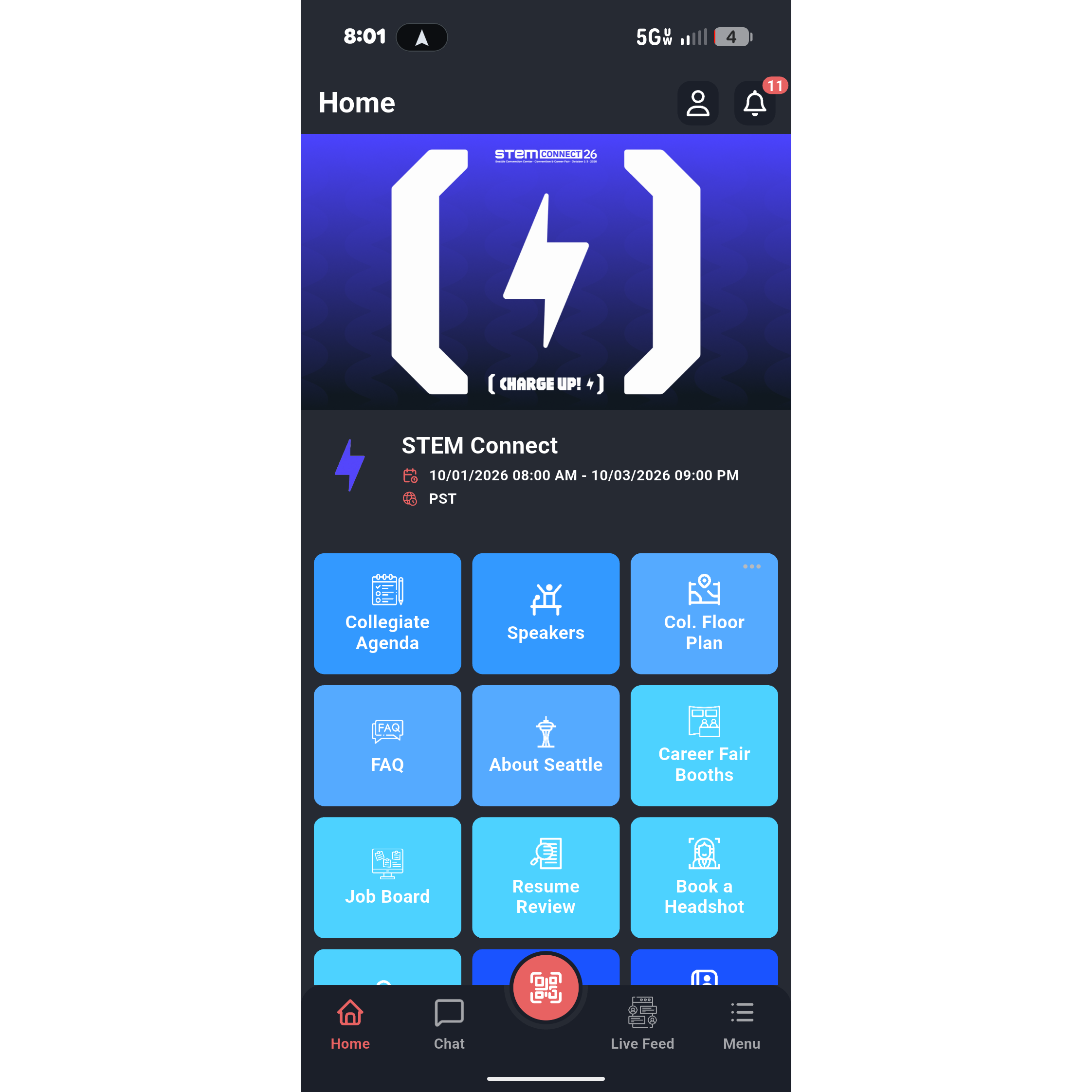
Download the Official SASE Events App
Maximize your experience at STEM Connect 2026 in Seattle with the SASE Events mobile app.
Whether you are navigating the convention floor, building your personal session schedule, or connecting with peers and recruiters, the app is your central hub for everything happening from October 1–3.
We highly recommend downloading the app and logging in before you arrive at the venue to avoid any connectivity delays.
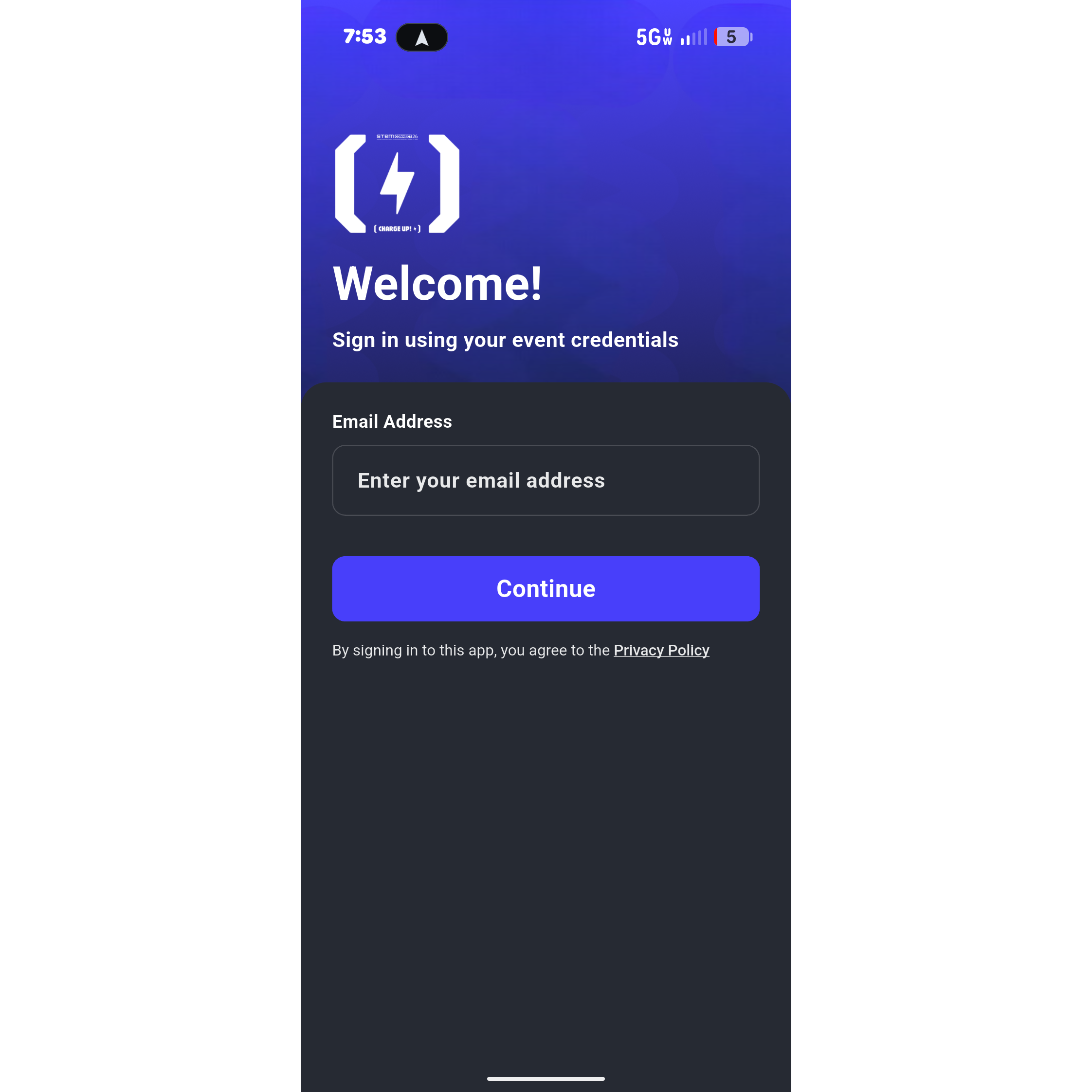
2. Accessing STEM Connect 2026
Download the SASE Events app using the links above and open it on your device.
Search for or select STEM Connect 2026 from the list of upcoming SASE events.
Tap login and enter the exact email address you used when registering for the convention. Using a different email will result in an empty profile or access errors.
3. Troubleshooting & Support
"I logged in, but my schedule and profile are empty."
Double-check your email address. You must log in with the primary email address tied to your STEM Connect registration. If you used a secondary email, log out and try again.
"The app isn't showing the latest updates."
Swipe down from the top of the home screen to force a manual refresh. You can also try closing the app completely and reopening it while connected to a stable Wi-Fi or cellular network.
Still Need Assistance?
If you have any questions or need assistance accessing your profile, please feel free to reach out to our support team at stemconnect@getvfairs.io.
For on-site assistance in Seattle, visit the Registration & Help Desk located at the 4th Floor during normal operating hours.